Mixed reality horror · Meta Quest 3 and 3S

Seven layers deep. The eighth is you.

At the eighth hour of the night the power fails, in your own home. With a torch and a pistol you cross it, while what the Dream dreams crawls over your real walls.

Early Access · for Meta Quest 3 and 3S · text in 6 languages, spoken in English or Dutch

The game

Your home is the level

The Eighth Layer is a mixed reality horror game. You play it in your own rooms, hallway and kitchen: the headset sees your home, and the game happens inside it.

At 02:00 the power fails. You only see your house where your light shines. Somewhere on the other side a seam opens: the way back. Until then, survive.

What happens in the dark

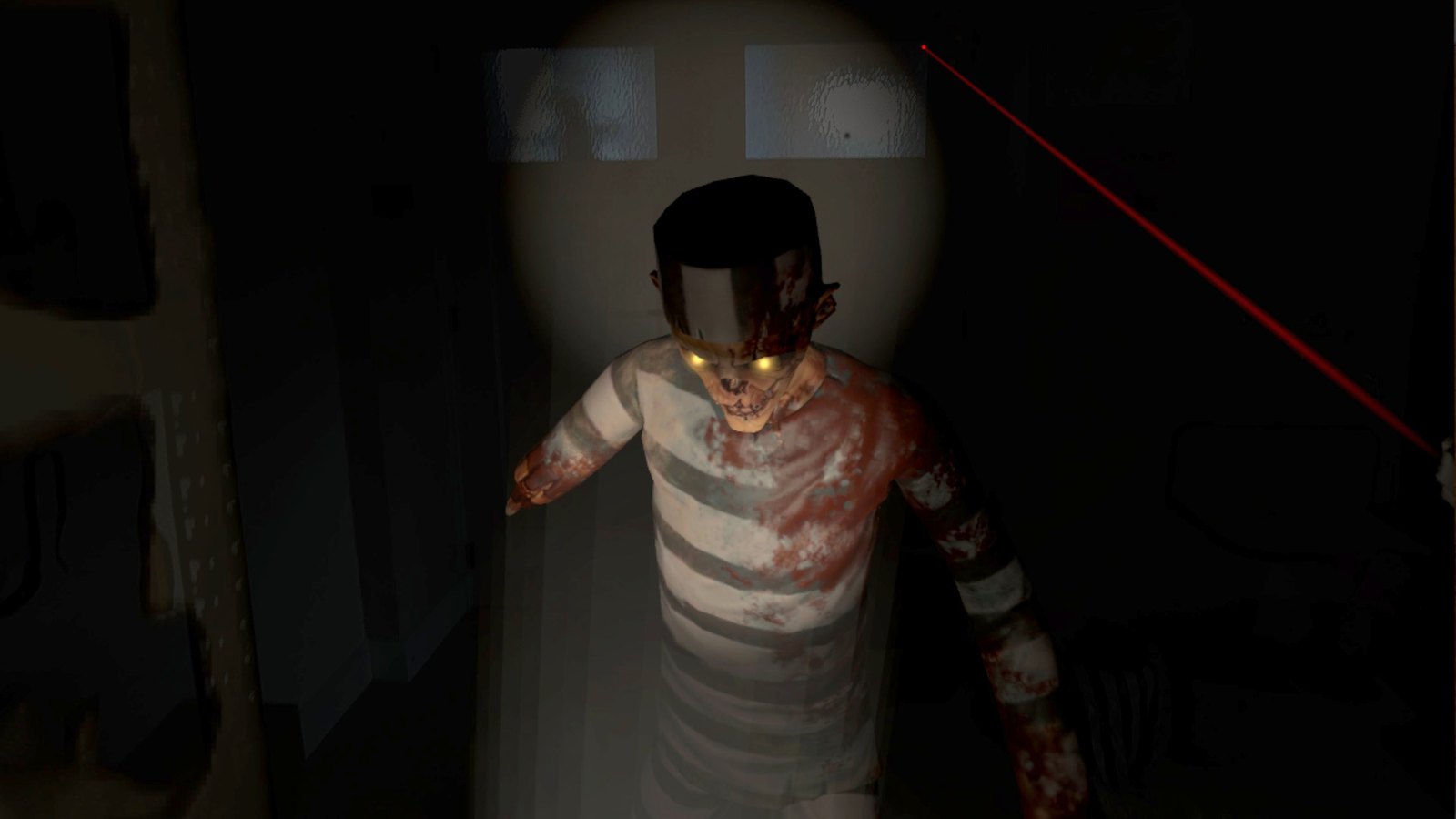
  • The Rotten shuffle across your real floor and vanish behind your real walls.
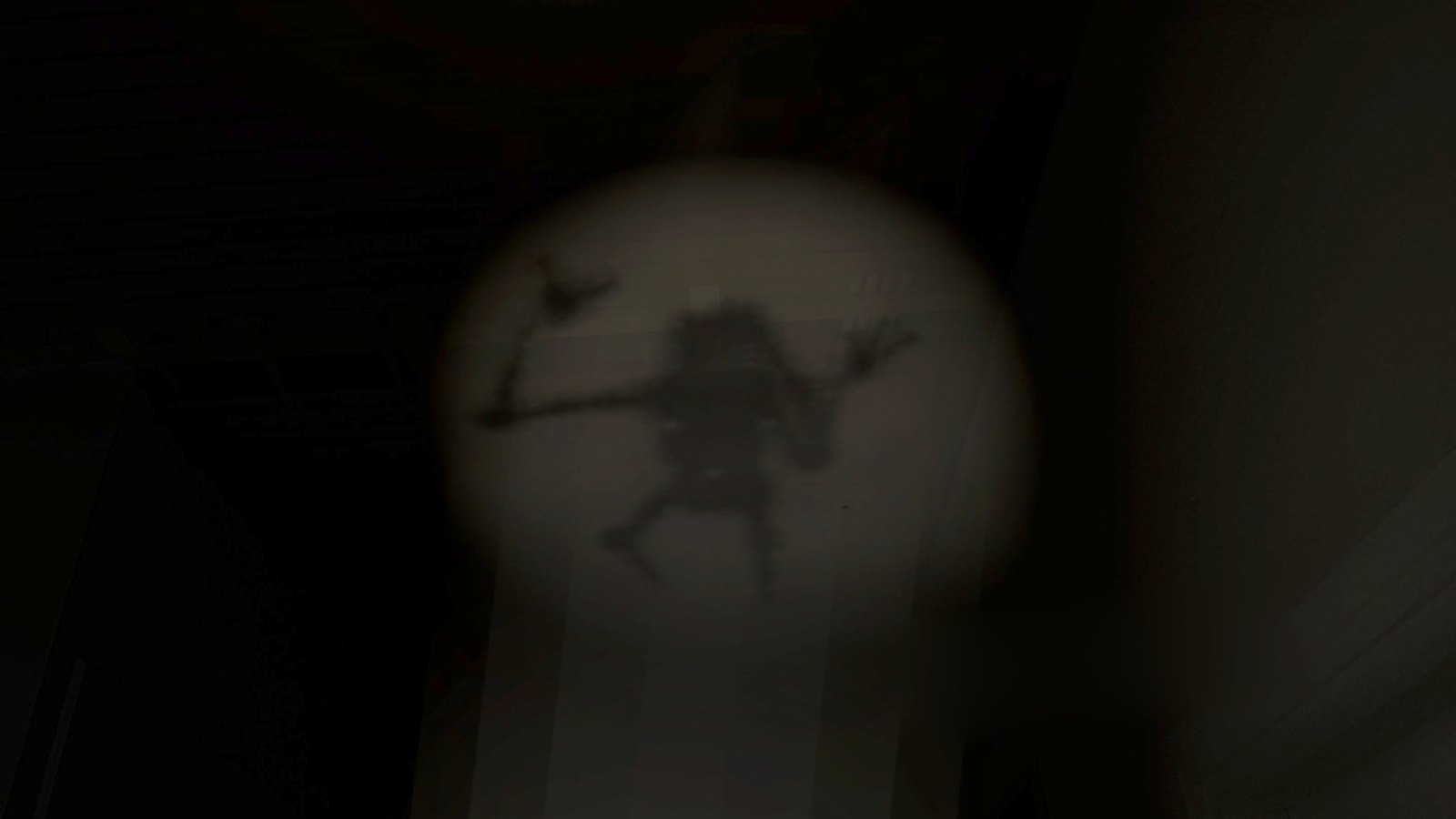
  • Shadows of ink crawl over your walls and ceiling until they hang above you.
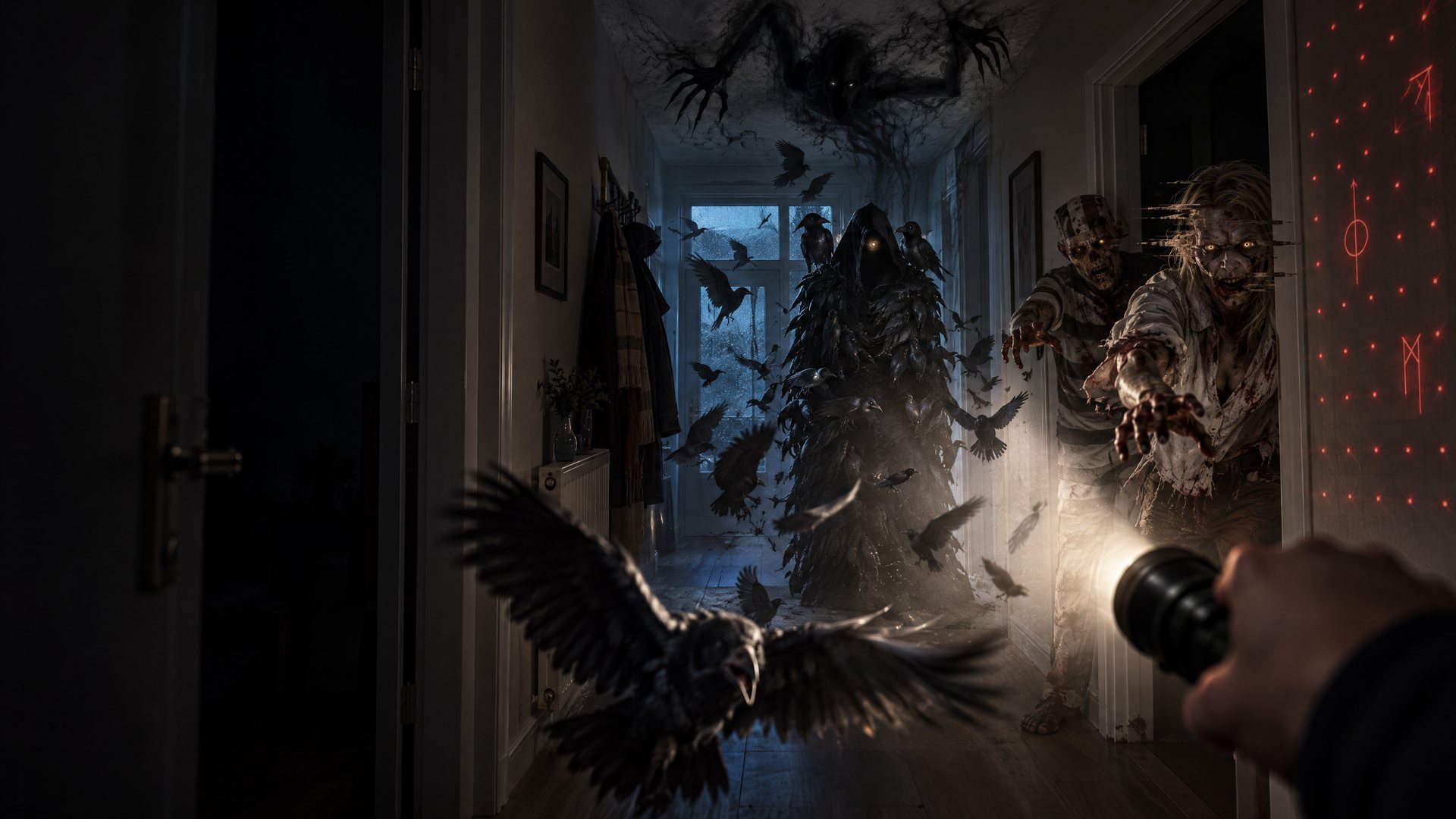
  • Watchers made of crows send their birds at your head.
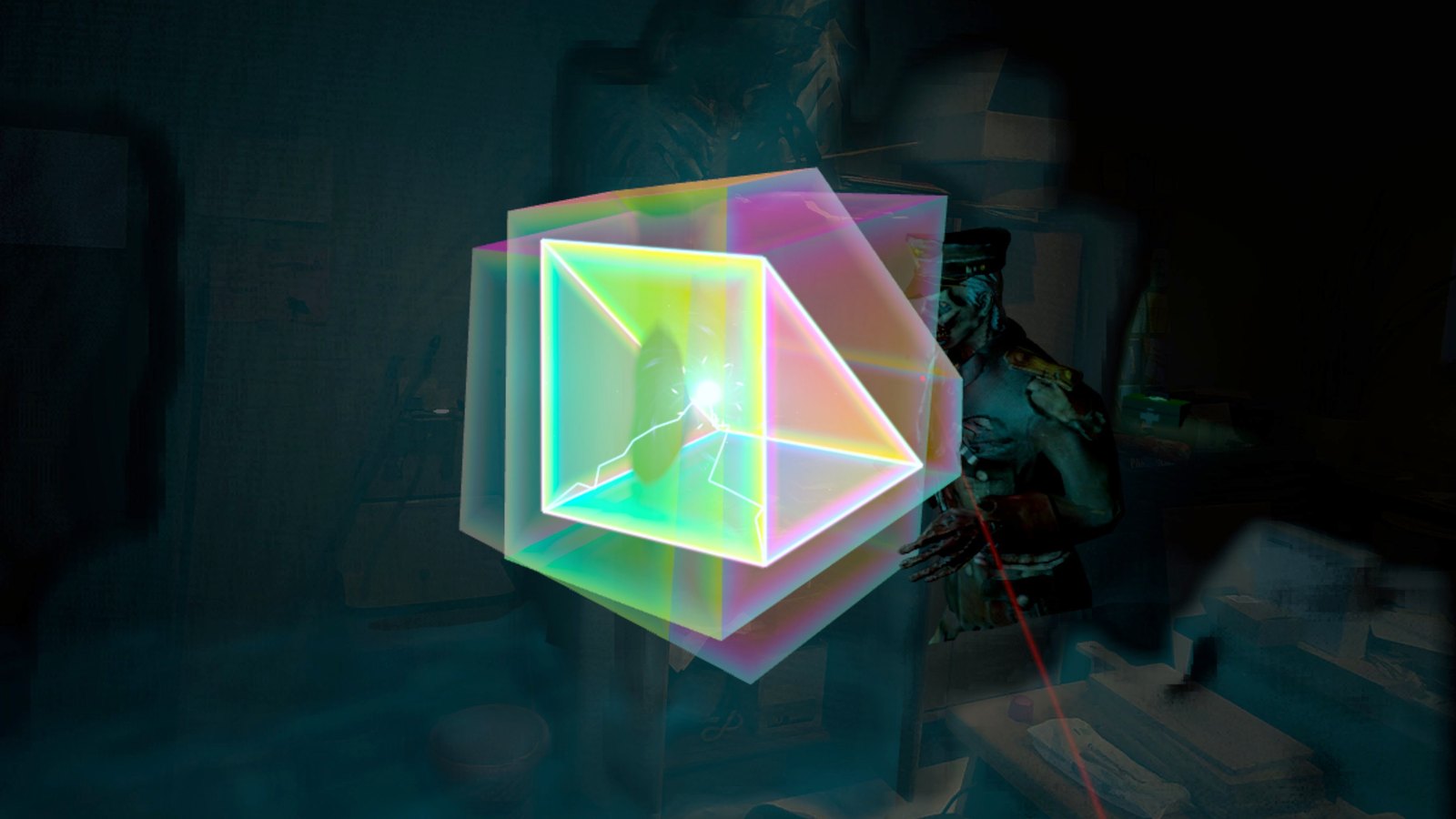
  • A four-dimensional cube glides through your walls.
  • The air really bends, like light around a black hole.

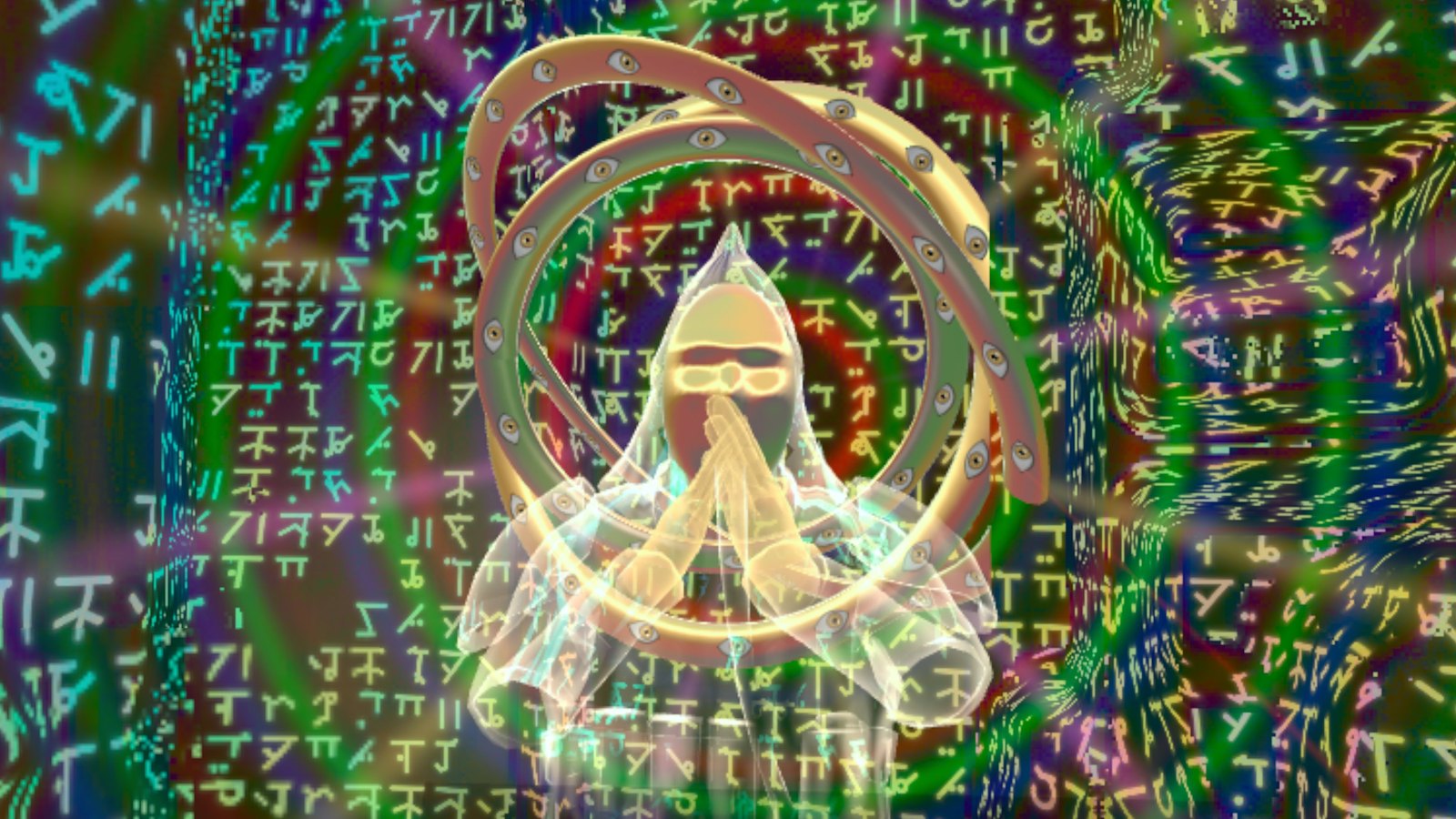
Seven nights and an endless eighth. A choir of thousands of voices tells what the Dream is dreaming. With a red laser you read the secret Script on your own walls.

Before you start

What you need

  • A Meta Quest 3 or 3S, with Touch controllers. The game uses the depth sensor of these headsets. Your hands only work the menus.
  • A Space Setup scan of your home (see below). You play in the rooms your headset knows.
  • One floor. A few steps between two rooms count; stairs up or down do not.
  • Space: one room of 2 × 2 metres (6.5 × 6.5 ft) is enough. With more rooms, your route runs through your house.
  • No internet needed.
  • Playing together: two headsets in the same home, each with the game, on the same Wi-Fi.
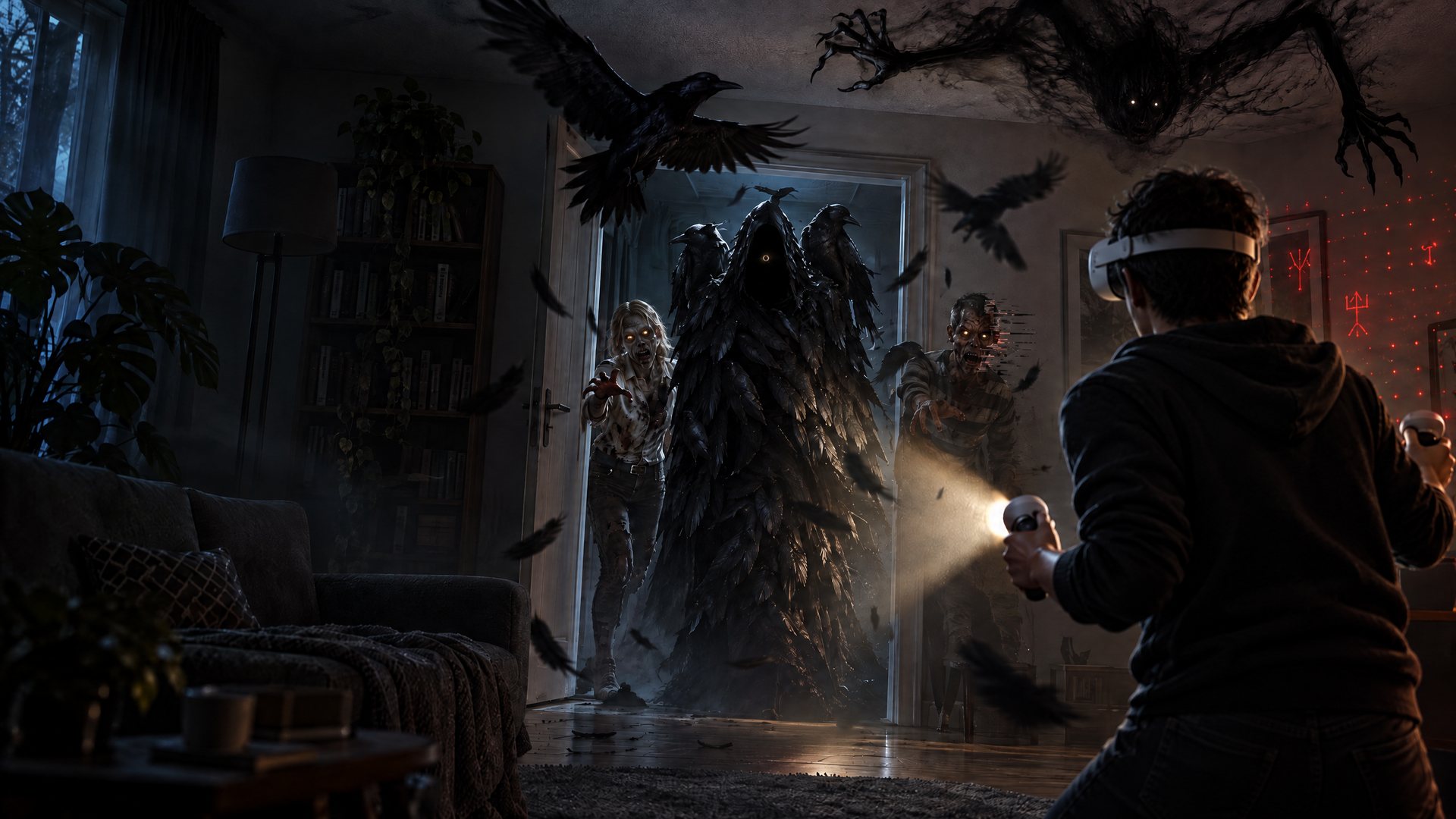
A player with a headset in their own living room, and a Watcher in the doorway.
Step 1

Scan your home first

The game plays inside the scan your Quest makes of your home. Without a scan it cannot begin.

  1. Put on your headset and open Settings > Physical space > Space setup on your Quest.
  2. Scan every room you want to play in. Walk around slowly and look at all walls, the floor, the ceiling and your furniture.
  3. Put the doors in your scan. The game links your rooms through the doors; a room without a door stays an island. If your Quest misses a door, add it during Space Setup.
  4. Only scan rooms on the same floor.
  5. Start the game in one of the scanned rooms. You begin where you stand; the seam appears in the room that is the longest walk away.

Don’t want to use a room? Leave it out in the game: Settings > Rooms. No route goes there and no creatures appear there.

Tip

Playing in one room? That works. The night stays in that room, the seam appears in the farthest corner, and what hunts you comes in through your real walls.

Step 2

How to play a night

Start with the practice night. In the menu it waits under NIGHT, before night 1. You cannot die here. In a few minutes you learn your light, your pistol, striking and shoving, your lights and your first-aid kit. Skip it with B.

How a night goes

  1. Choose your night in the menu. Read the short briefing and press A when you are ready.
  2. A clock counts down to 02:00, the eighth hour of the night. At 02:00 the power fails and your house goes dark. You only see it where your light shines.
  3. Find the seam: a crack of green light in the farthest room, with a hum. Follow the sound, or look at your watch.
  4. Survive until it opens. The seam is there from the start, but it only opens after a few minutes (3 by default; you can change it).
  5. Step into the open seam. The night is over.

Your watch

Above your left hand floats a small screen. It shows the time, your health, where the seam is (with the distance, and CLOSED or OPEN), your light, how many verses you found, and whether one of the Rotten sees you (SEEN) or has lost you (LOST YOU).

Along the way

  • Ammo and first-aid kits lie on your real tables and cabinets, or on the floor. Touch them to take them.
  • The green case with the white cross gives you health back. At full health you carry it with you (two at most). Use one with X on your left controller.
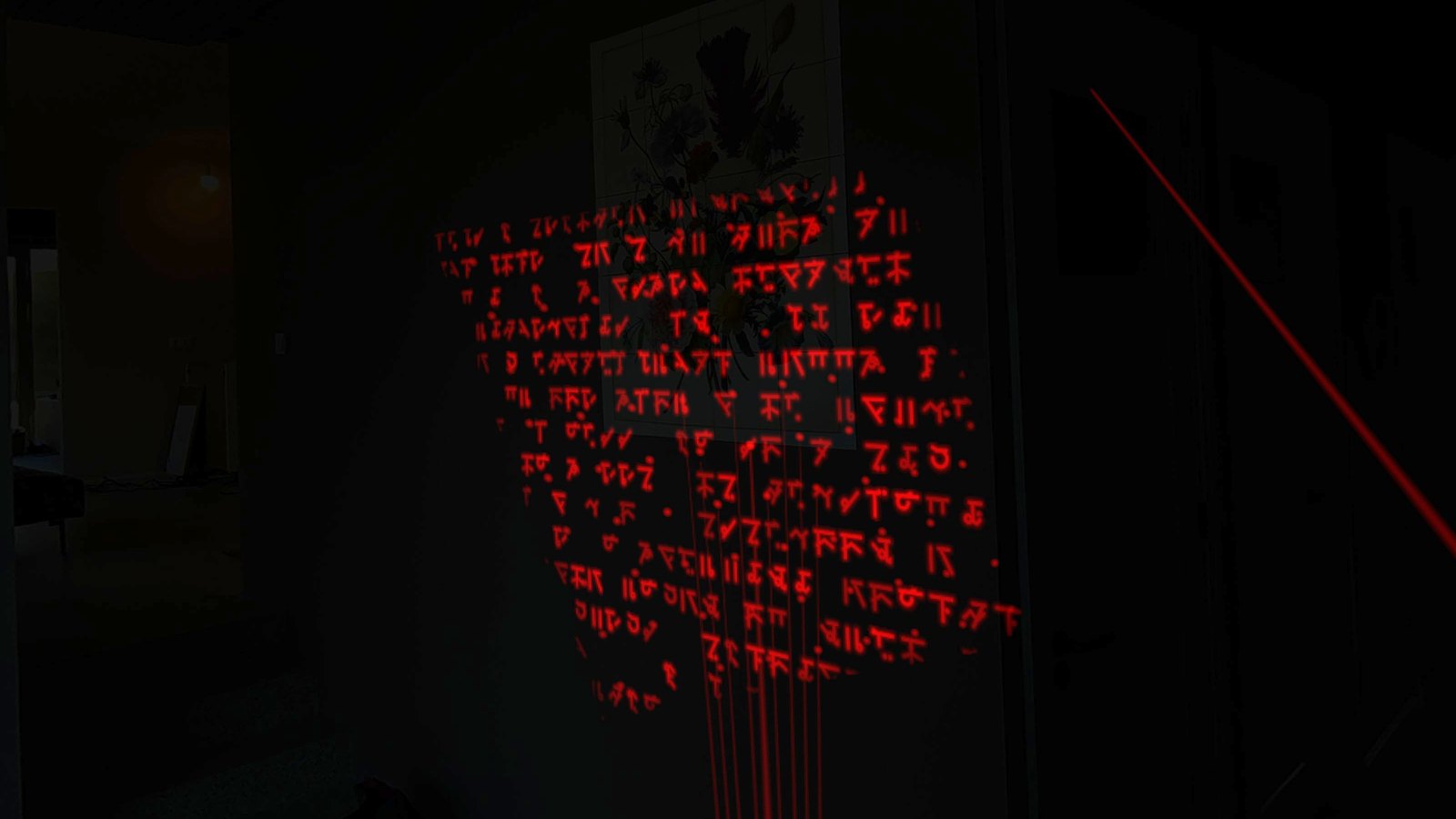
  • Verses. From night 2 the Script is written on your own walls. Hold the red laser on it until it dissolves and the Choir whispers the verse. You find them again in the Archive, translated.
  • A new light every night, and something new in the dark. Seven nights, and then the endless Sleep.
Controls

Controls

Pistol, in your right hand
ShootRight trigger
ReloadPull the right stick back, or A
StrikeSwing your pistol (or your light) firmly through one of the Rotten
Light, in your left hand
Light on or offTap the left trigger
Overcharge: a flashHold the left trigger until your light is full, then let go
Choose another lightPush the left stick sideways: the light wheel
Next lightY
Use a first-aid kitX
Both hands and the rest
ShoveThrust both hands forward at once: it staggers back
Pause☰ (the menu button on the left). Press again to play on
Back to the menuHold ☰ for four seconds
Bring the menu in front of youHold the Meta button
Get outTake off your headset: the light comes back and the night waits for you
In the menusPoint the ray and pull the trigger, or pinch your fingers

Left-handed? Choose Settings > Pistol > Left hand. Everything swaps sides: the pistol on the left, the light and the watch on the right.

Six lights

The lights

Your light is your life. What you light, you see, and what you see, you can hit. Your torch has six lights, and every night one more. Every creature wants its own light.

How it works

  • Choose: push the left stick sideways for the light wheel, or press Y for the next light.
  • On and off: tap the left trigger. In the dark they see you less easily.
  • Overcharge: hold the left trigger. The beam turns narrow and bright, and you feel ticks in your hand that speed up. Let go when it is full: one bright flash in the colour of your light. Then your torch recharges for ten seconds. The lasers do not overcharge.
  • Light hint: when something close wants another light, your lens blinks twice in that colour and the light wheel points to it (NEEDED NOW). You choose. Turn it off in Settings > Light hint.

White Night 1

Your torch. In white light every shot on the Rotten does the most damage; outside it, less. Overcharge: a flash that blinds whatever stands in front of it.

Red laser Night 2

A laser through a diffraction grating: a grid of red dots across your whole room. Hold it on the Script on your wall, and the verse dissolves into words.

UV Night 3

Your room turns violet, and what was invisible lights up. You can only hit a Shadow once it peels off the wall, and UV drives it back. Overcharge: you tear it loose, and for a few seconds it hangs helpless in front of you.

IR Night 4

Infrared. Your eye cannot see it, your headset can: everything becomes a night-camera image. Keep a Watcher in IR and it stands still. Bullets pass through it. Overcharge: it freezes for six seconds.

Strobe Night 5

A strobe light, 2.5 flashes per second. In every flash a four-dimensional cube stands still for a moment, in a single slice. Hit it when it is at its largest. Overcharge: it stays at its largest for a moment. Fewer flashes? Turn it on in Settings.

Green laser Night 7

A green grid of dots. The dots toward the seam pulse. When the seam hides, this is how you find it.

Spoiler: nights 6 and 7
  • The priests only show when you are almost dead, or for a few seconds after a white flash (overcharge). They silently draw your life away.
  • In night 7 mirrors grow out of the seam’s room. Never look into a mirror for longer than two seconds. The seam hides: find it with the green laser.
Tips

How to survive

  • Light means seeing, and being seen. With your light on, the Rotten see you from far away. In the dark they only see you up close, and later still if you stay low.
  • Hide. Light off, stay low, keep quiet. If one of the Rotten neither sees nor hears you for a few seconds, it loses you. Your watch says SEEN or LOST YOU.
  • Noise gives you away. Talk out loud or scream, and they hear you and come looking. They hear your shots too. (The microphone only measures how loud it is; see Privacy.)
  • Empty, or too close? Strike with your pistol or your light. Shove with both hands at once: it buys you room.
  • Aim for the head. That is where a shot counts most.
  • Watch the red arc. When you are hit, a red arc at the edge of your view shows where it came from, and your controller on that side vibrates.
  • Died? The results screen tells you what hit you, and how to deal with it next time.
Co-op

Playing together

Play as two in the same home. You see your partner’s torch in your own dark house, and what you fight is the same for both of you.

  1. Two headsets, each with the game, on the same Wi-Fi. Both on the same version: update the game on both headsets.
  2. Scan the same rooms on both headsets.
  3. At the start, choose TOGETHER on both. The headsets find each other and align themselves with your home scans.
  4. Check it: your partner’s virtual hands should sit on their real hands. If they don’t, choose MANUAL and follow the steps.
  5. The host presses NEXT, chooses the night and starts. The partner sees the menu too.

Good to know

  • If your partner goes down, hold your hand at their shoulder for three seconds: they get back up.
  • ☰ pauses for both of you. If someone takes off their headset, the night pauses for the team too.
  • The night is over when you stand in the open seam together.
Your night

Settings

SettingWhat it does
DifficultyStory, Normal or Nightmare. How much a hit costs, how many of the Rotten come at once, how much ammo and first aid you find.
Seam opensAfter 1, 2, 3 (default) or 5 minutes, the same every night.
CreaturesAdd up: every night also brings the creatures of the nights before (default). Own only: only that night’s creature.
FlashesNormal or fewer. With fewer flashes the strobe shines steadily and softer.
Light hintYour torch points out which light you need.
SightYour pistol’s aiming laser: beam and dot, dot only, or off.
MicrophoneWhether noise gives you away. Off: the microphone does nothing.
Noise meterHow loud you are, on your watch.
PistolIn your right or your left hand.
RoomsLeave rooms out: no route goes there and no creatures appear there.
Language, voice, subtitlesText in Dutch, English, Spanish, Russian, French or German. Spoken in English or Dutch.

In the menu you also choose how dark it gets: pitch black, dark or dusk.

Safety

Good to know

Warning

Flashing light can trigger seizures in people with photosensitive epilepsy. From night 5 there is a strobe light (2.5 flashes per second). In Settings, set Flashes to fewer.

  • You play in your own home, in the dark. Clear your route, mind pets and children, and walk: don’t run.
  • All walls and furniture are real. Watch out when you strike or shove.
  • Need a pause? Press ☰. Want to get out? Take off your headset or press the Meta button: the light comes back at once, and the night waits for you.
  • Horror: violence against zombies, jump scares and darkness. PEGI 16.
Privacy

What your headset sees stays in your headset

  • Microphone: only during a night, the game measures how loud it is around you. Nothing is recorded, recognised, stored or sent. Turn it off in Settings > Microphone.
  • Camera: for the bending air, the game reads your headset’s camera image. That image stays on your headset’s graphics chip and is never stored or sent.
  • Your home: the scan of your rooms stays on your headset.
  • No tracking: no ads, no analytics, no account with us.

Read the full privacy policy →

FAQ

Frequently asked questions

Which headsets does it run on?

Meta Quest 3 and 3S. The game uses the depth sensor and cameras of these headsets, which older Quests don’t have.

Do I need a big house?

No. One room of 2 × 2 metres is enough. With more rooms on the same floor, your route gets longer.

Can I use the stairs?

No, you play on one floor. A few steps between two rooms do count.

Should I talk or scream?

Better not: noise gives you away. If you don’t want the game to listen, turn off the microphone in Settings.

Does the game record my room or my voice?

No. The camera and the microphone are only used on your headset. Nothing is recorded, stored or sent.

Do I need the internet?

No. To play together you do need to be on the same Wi-Fi.

Does my partner need the game too?

Yes. Playing together only works when both headsets have the game.

What does Early Access mean?

You can play the whole game: seven nights and the endless Sleep. It just isn’t finished: we make it better with what players tell us. Updates arrive by themselves.

My progress is gone.

Your progress, scores and settings are stored on your headset. Uninstall the game and they are gone.

I found a bug, or I have an idea.

Great! Use the form below.

Contact

A question, a bug or an idea?

Stuck somewhere, found a bug, or have an idea to make the game scarier? Let us know. We read everything. You can write in English or Dutch.

Prefer email? info@indegymzaal.nl

We only use your details to answer you, and keep them no longer than needed. More in our privacy policy.